Compot — Develop SwiftUI apps faster
Generate SwiftUI code, receive coding assistance, and access 130+ crafted reusable components.
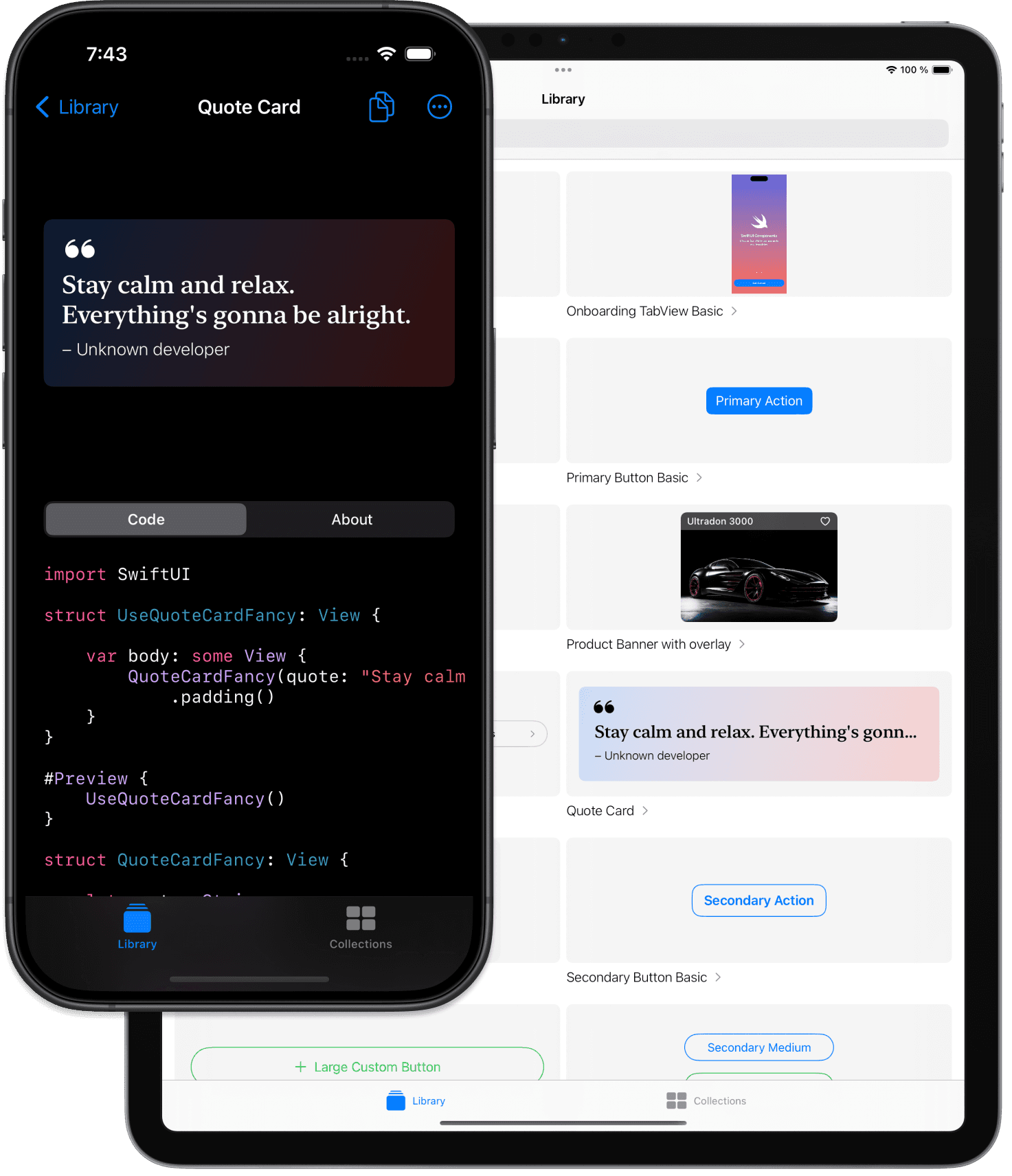

Save time and effort with design and development
Quickly generate new components with AI or utilize predesigned SwiftUI building blocks for your next app. No package dependencies—just copy the vanilla SwiftUI code.
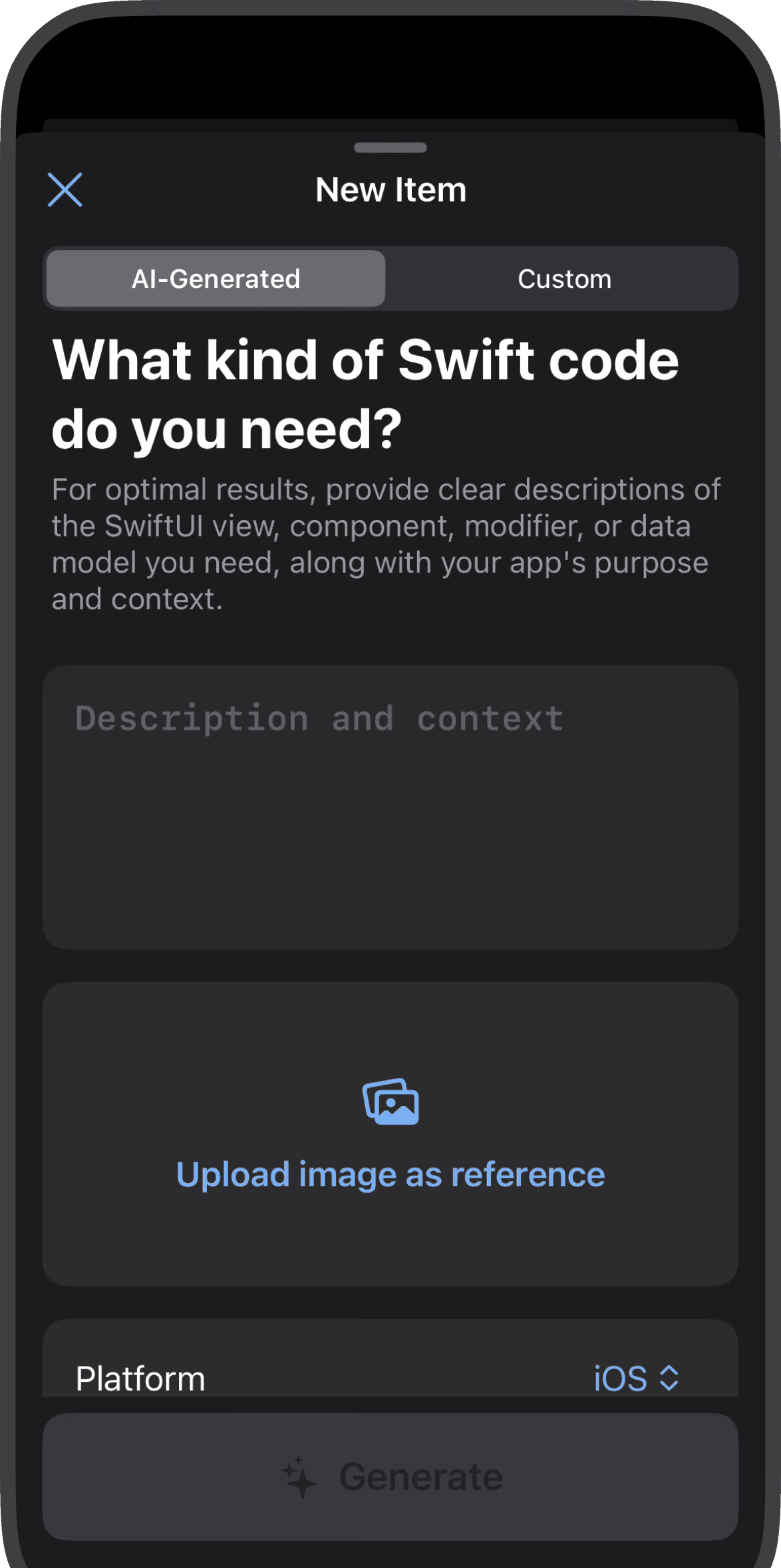
SwiftUI Code Generation
Upload designs or describe your UI, and receive Swift code instantly. Compot translates your ideas into Swift code effortlessly.
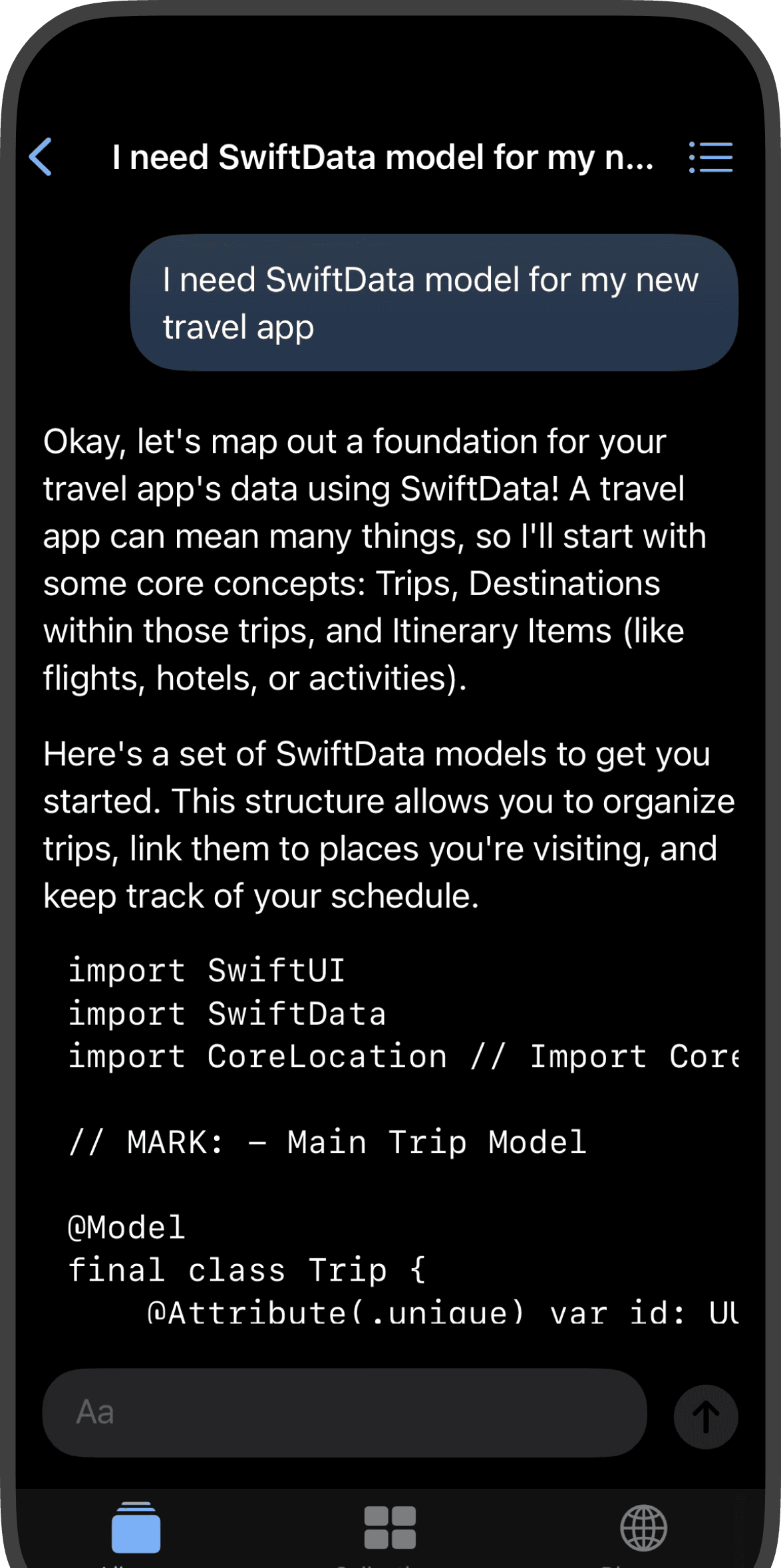
AI-Powered Coding Assistance
Ask coding questions, get explanations for existing code, and generate new code with an AI assistant tailored for SwiftUI.
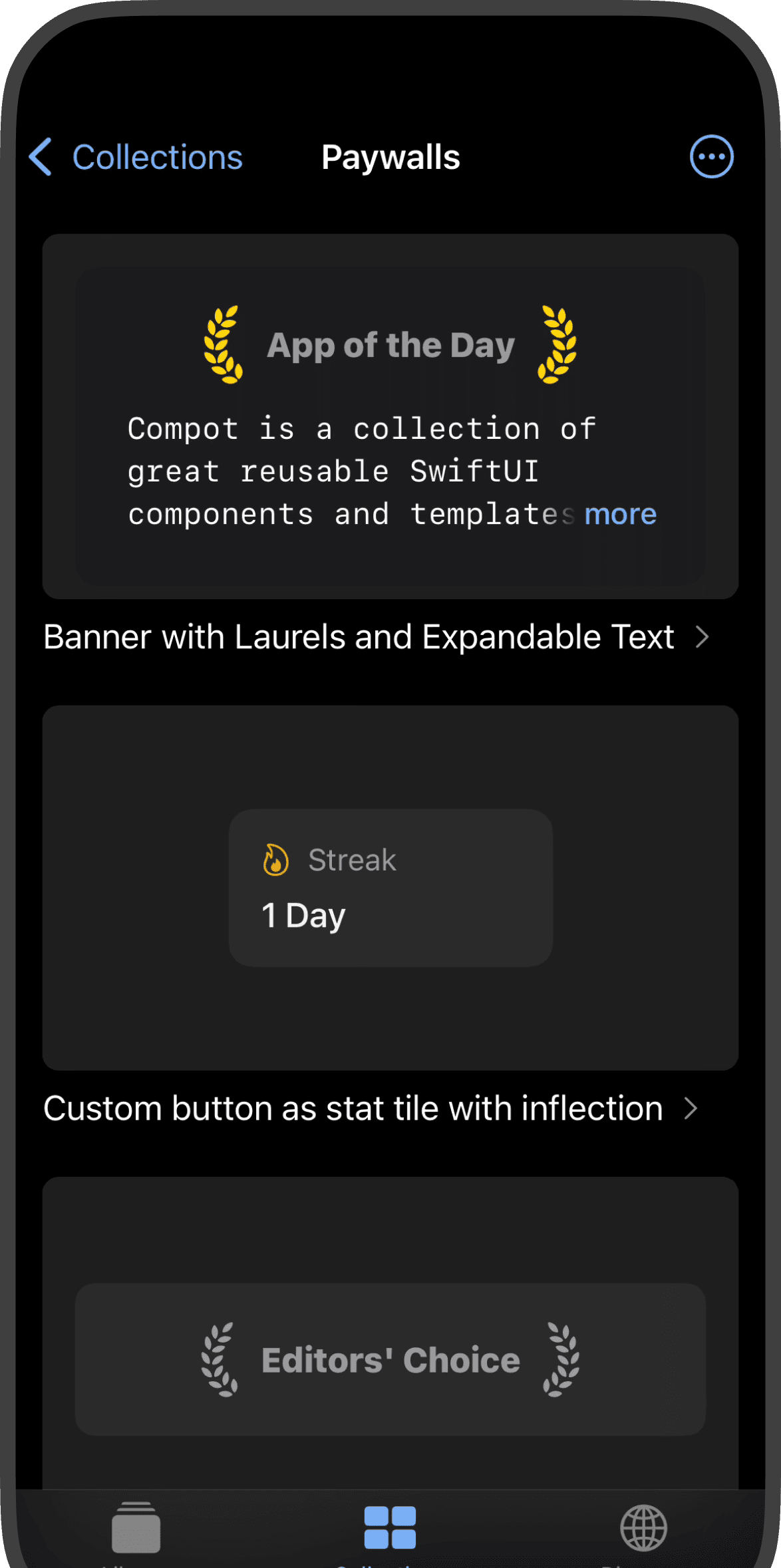
Reusable SwiftUI Components
Access a library of predesigned SwiftUI components that you can easily copy and paste into your Xcode projects. Enjoy clean, dependency-free Swift code.
130+ Reusable Components & Templates
From prominent buttons to onboarding screens and paywalls. Compot offers 130+ vanilla SwiftUI building blocks ready to copy-paste into Xcode.
- 34 items
Buttons
Prominent CTA buttons, spring-animated controls, increment steppers, and Apple Sign-in.
Browse SwiftUI Buttons → - 18 items
Texts & Typography
Gradient typography, markdown links, localized inflection rules, and typewriter animations.
Browse SwiftUI Texts & Typography → - 10 items
Banners & Promos
Accolade laurel cards, promotional gradient containers, and store rating prompts.
Browse SwiftUI Banners & Promos → - 8 items
Cards & Displays
Feature cards, testimonial blockquotes, product cards, and MapKit circle/polygon overlays.
Browse SwiftUI Cards & Displays → - 9 items
Settings & Lists
Apple-standard settings rows, LabeledContent formatters, and FAQ disclosure groups.
Browse SwiftUI Settings & Lists → - 7 items
Avatars & Profiles
Circular avatars with status badges, overlapping team stacks, and PhotosPicker integration.
Browse SwiftUI Avatars & Profiles → - 5 items
Charts & Gauges
Linear milestone gauges, circular progress meters, and watchOS accessory gauges.
Browse SwiftUI Charts & Gauges → - Browse SwiftUI Icons & Badges →
- Browse SwiftUI Paywalls →
- 3 items
Onboarding
Apple-style welcome flows, swipeable TabView carousels, and dark-mode welcome screens.
Browse SwiftUI Onboarding → - Browse SwiftUI SF Symbols →
- 2 items
Tiles & KPI Widgets
Dashboard metric navigation tiles and interactive selectable option cards.
Browse SwiftUI Tiles & KPI Widgets →
Elevate your SwiftUI development
Gain instant access to AI coding assistance for SwiftUI and dozens of predesigned components ready for your next app.
Frequently asked questions
Have questions about licenses, Swift compatibility, or AI generation? If you have anything else you want to ask, get in touch.
Can I use Compot components in commercial apps?
Yes! All SwiftUI components in Compot come with a royalty-free commercial license. You can use, modify, and ship them in an unlimited number of commercial App Store applications and client projects with zero attribution required in your final app.
Do the components require third-party packages or CocoaPods?
No. Every single component in Compot is written in pure vanilla SwiftUI with zero external dependencies. You simply copy and paste the Swift code directly into your Xcode project without adding SPM dependencies or podfiles.
What iOS, macOS, and Xcode versions are supported?
Compot components are built for modern Apple platforms: iOS 16.0+, iPadOS 16.0+, macOS 13.0+, and visionOS 1.0+. They work with Xcode 15, Xcode 16, and the latest Swift 5.9 / Swift 6 releases.
How does the SwiftUI AI code assistant work?
You can describe the UI interface you want to build in plain English or upload a UI design screenshot. Compot’s AI model generates clean, semantic SwiftUI views and modifier chains tailored specifically to Apple’s Human Interface Guidelines.
How do I access all components and AI features?
Compot is free to download on the App Store with starter components. You can preview, organize, and copy the full 130+ component library and use the AI code assistant directly inside the iOS app.
Are new components added regularly?
Yes! We continuously design, code, and publish new SwiftUI components, templates, and full screens based on community requests and trending iOS design patterns.
Can I request a custom component?
Absolutely. If you need a specific UI component, animation, or screen template, get in touch at lukas@compotui.com or via X (@lukassoukup). We regularly build requested components into upcoming releases.
Who builds Compot?
Compot is designed and developed by Lukáš Soukup under LukyLab s.r.o., an independent app studio based in Prague, Czech Republic.
Why the name Compot?
It is inspired by "kompot" (compote), a traditional fruit dessert in Central Europe that adds a sweet twist to a meal. Compot aims to add a sweet, accelerated layer to your daily SwiftUI app development workflow.